 Suitaar news
Updates
Maintenance
Posts
suitaar.com
posts 26 October 2026
The Opsgenie Python SDK, Go SDK and Terraform provider after the shutdown
Not every alert comes from Alertmanager or Grafana. Many teams have scripts and small services that raise alerts through the Opsgenie SDKs. When Opsgenie stops on 5 April 2027, those calls fail.
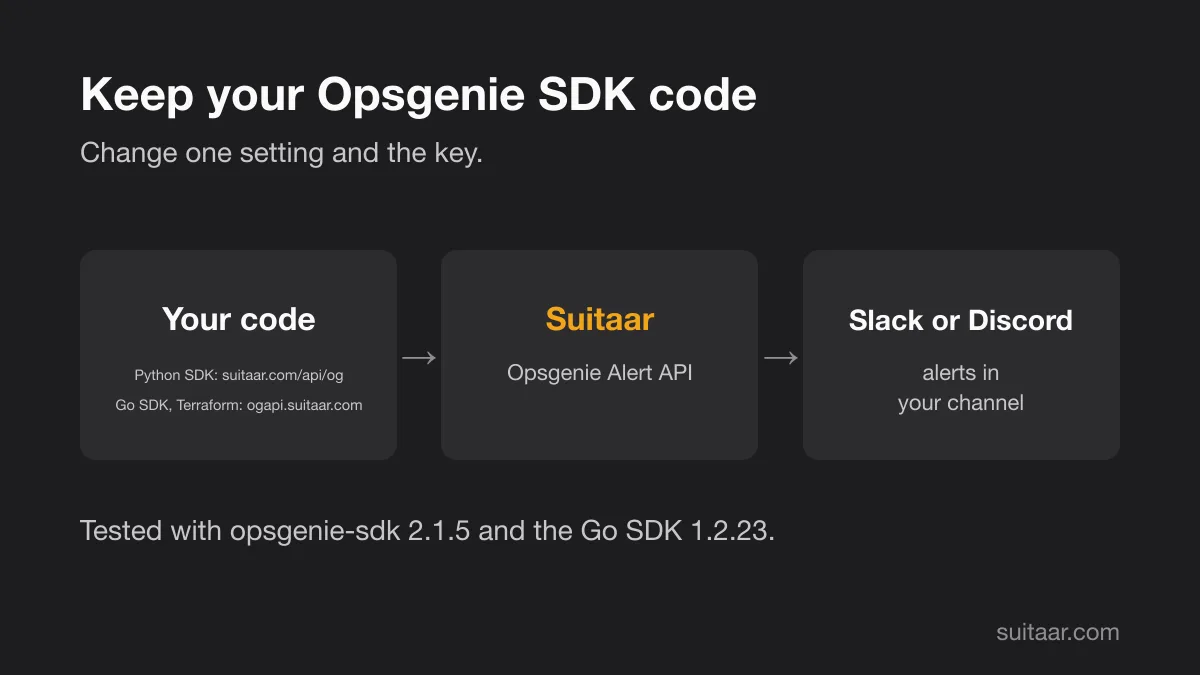
Suitaar (our product) speaks the Opsgenie Alert API, so the SDKs can talk to it. You change one setting and the key.
Python: opsgenie-sdk
The Python SDK takes a full URL:
conf.host = "https://suitaar.com/api/og"
Use your Suitaar key where the Opsgenie API key was. Tested with opsgenie-sdk 2.1.5 on production: create, request status, repeat, get by alias and id, acknowledge, note, update message and description, close, and a heartbeat ping.
Go: opsgenie-go-sdk-v2
The Go SDK takes only a host. For tools like this, ogapi.suitaar.com serves the same API at its root:
alert.NewClient(&client.Config{
    ApiKey:         "<your Suitaar key>",
    OpsGenieAPIURL: "ogapi.suitaar.com",
})
Use exactly this host: the Go SDK sends plain HTTP to a host without “api” in its name. Tested with the Go SDK 1.2.23, with no warnings.
Terraform provider
The Terraform provider for Opsgenie is built on the Go SDK, so it takes the same host:
provider "opsgenie" {
  api_key = "<your Suitaar key>"
  api_url = "ogapi.suitaar.com"
}
Note that Suitaar has no teams, schedules or escalation policies to manage, so only the alert parts make sense here.
What the SDKs can and cannot do
Suitaar supports these parts of the Opsgenie API: create an alert, read it, close it, acknowledge it, add a note, read the status of a request, and ping a heartbeat. Other Opsgenie routes answer 404. Fields that Suitaar does not use, such as responders, are accepted and ignored, so your code keeps working.
Setup steps: guide, scripts and tools that take only a host.
The free plan stays free after the beta: 3 channels, no payment details.