 Suitaar news
Updates
Maintenance
Posts
suitaar.com
posts 26 October 2026
Keep your Zapier OpsGenie Zaps after Opsgenie shuts down
Opsgenie stops on 5 April 2027. If you have Zaps that use Zapier’s OpsGenie app, for example to raise an alert when a Zap fails, those Zaps stop working too. Suitaar is our product, and this post shows how to keep those Zaps with one change: the connected account.
What changes
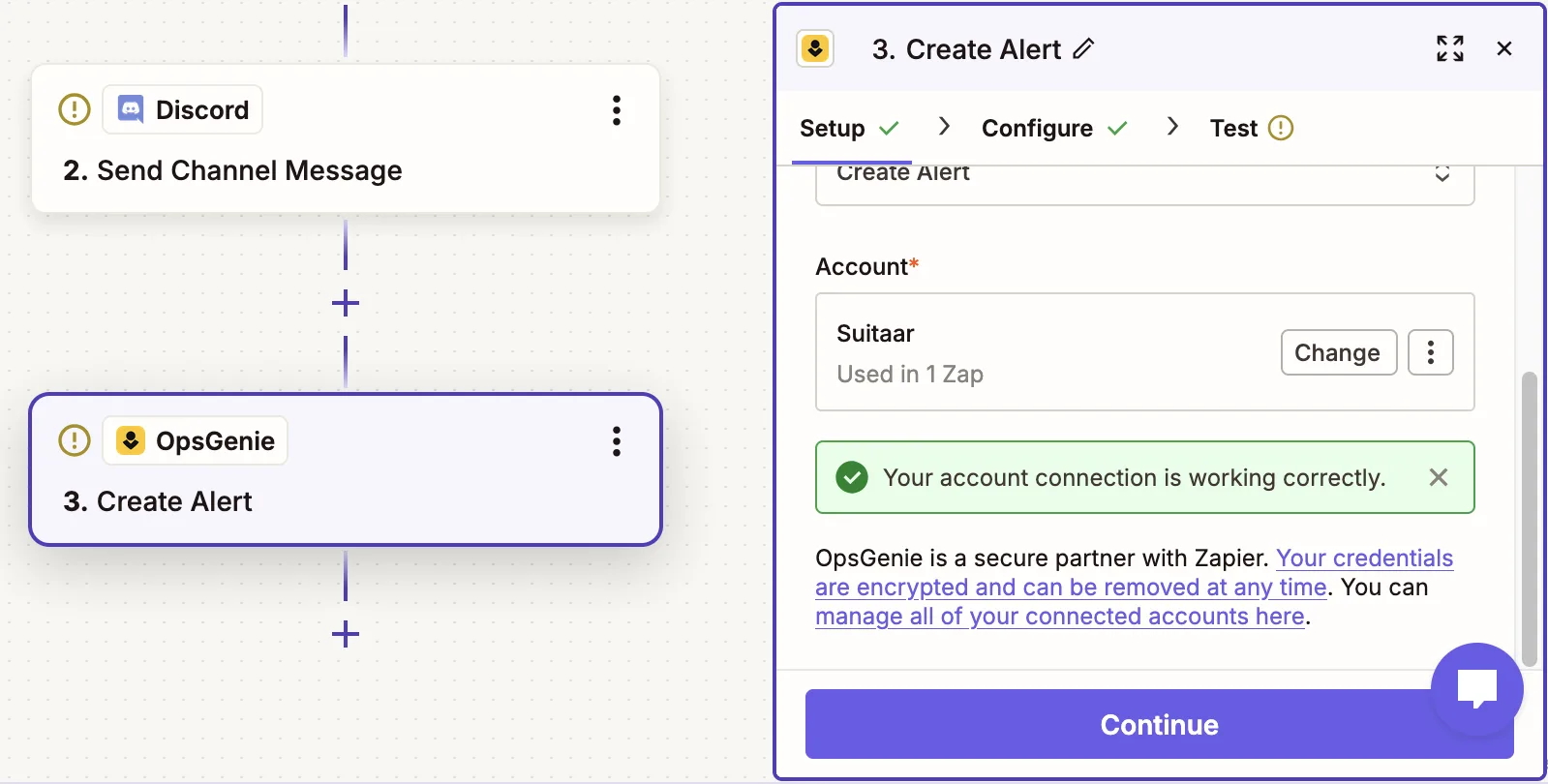
Zapier’s OpsGenie app has one action, Create Alert. It works with Suitaar. You keep the app, the Zap and its fields. You only connect the app to Suitaar instead of Opsgenie.
It also works on Zapier’s free plan. The OpsGenie app is not a Premium app, and a Zap with one trigger and one action, such as New Zap Error → Create Alert, fits the free plan. (The webhook way needs Webhooks by Zapier, which is on paid plans only.)
When you connect the OpsGenie app in Zapier, it asks for two fields:
- API Key: the key of a Suitaar source. You make a source on the Suitaar dashboard and copy its key.
- URL Key:
https://ogapi.suitaar.com
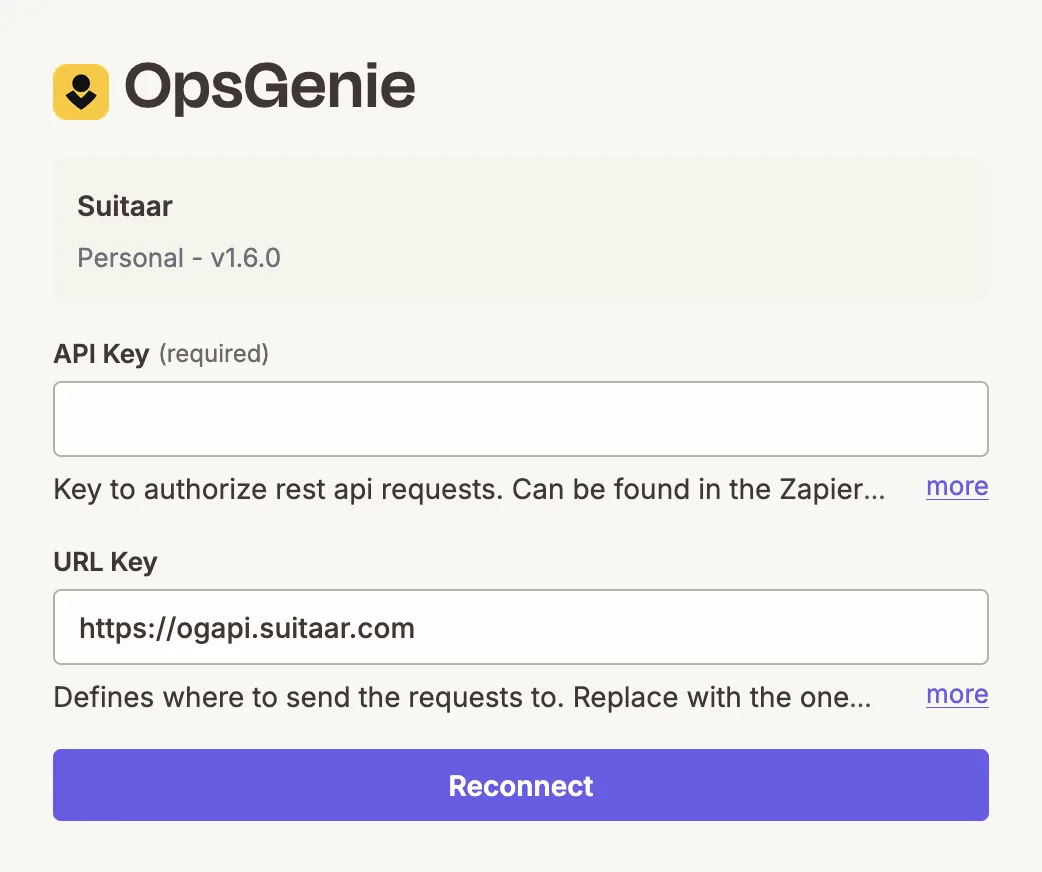
Zapier then says the connection works. Pick the new connection in your Zap’s Create Alert step, and turn the Zap on.
What arrives in Suitaar
Create Alert keeps its fields: message, priority, description, alias, entity, source, tags and note. Suitaar sends the alert to the Slack or Discord channels of that source.
The alias works as in Opsgenie: a second alert with the same alias, while the first is still open, counts as a repeat. The channel then shows one alert with a count, not a new message for each repeat. So a Zap that fails every few minutes does not flood the channel.
A common use: when a Zap fails
Zapier Manager has a trigger, “New Zap Error”. With it as the trigger and OpsGenie’s Create Alert as the action, every failed Zap becomes an alert in your team’s channel. Give the alert an alias that names the Zap, so repeated failures of the same Zap stay one alert.
We tested this on 26 October 2026: the connection, Create Alert with all its fields, and a repeat on the same alias.
Two things to know
- Close the alert in the Suitaar dashboard when the Zap works again. The OpsGenie app has no action to close it.
- The OpsGenie app belongs to Zapier. If Zapier removes it after Opsgenie stops, the documented way is a webhook step; the setup guide has the steps.
Try it
Make a source on suitaar.com, connect a Slack or Discord channel, and change the account in your Zap. You can also try Suitaar without an account.
The free plan stays free after the beta: 3 channels, no payment details.